How do I review the Edifix Jobs processed by Team Members in my Organization?
Option 1:
Go to Account > Previous Jobs to access a list of all jobs processed by any user in your Organization:
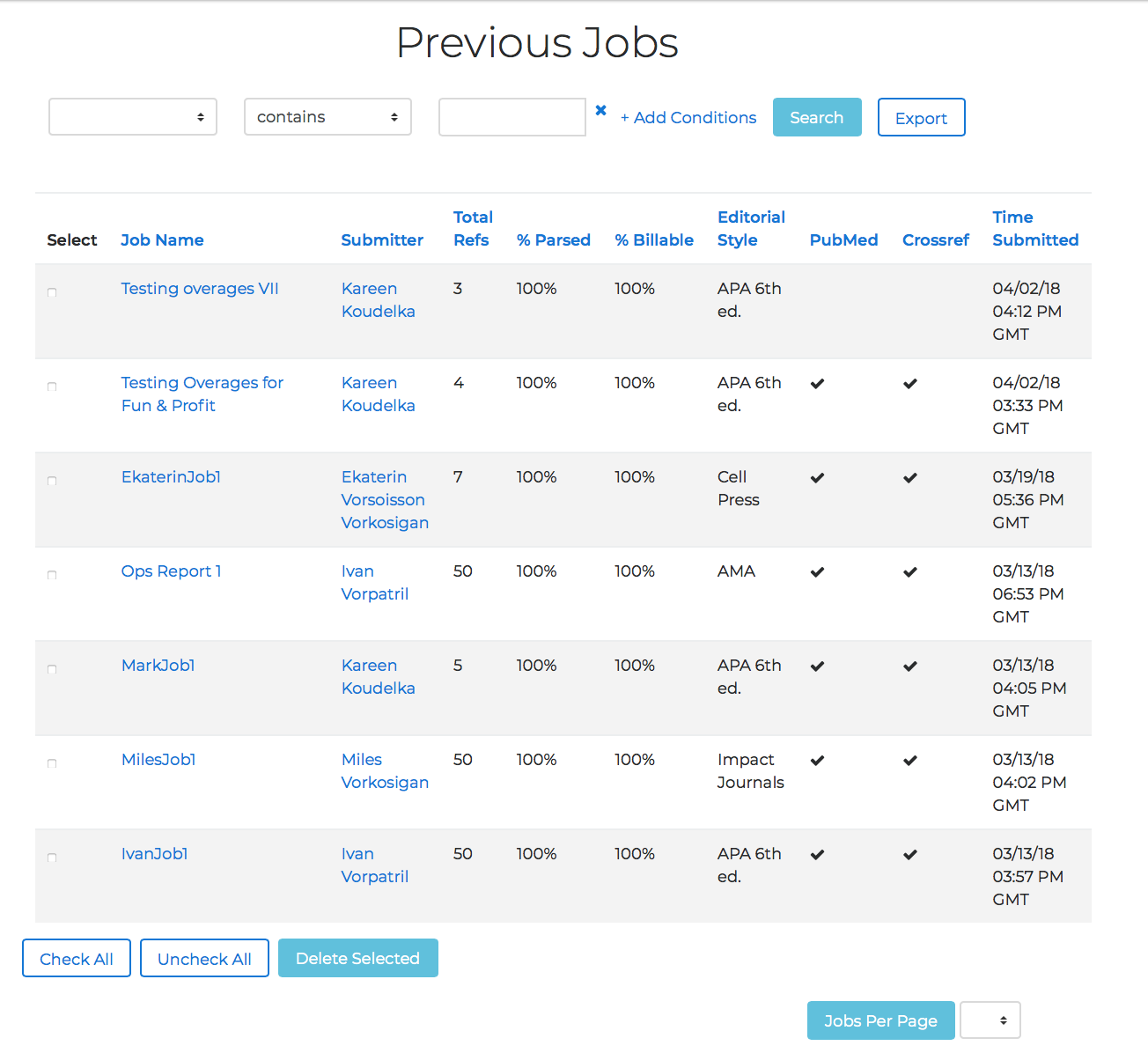
On this page, you can sort by any column heading or search for specific Team Members or jobs.
Option 2:
Go to Account > My Organization to access the My Organization page. Jobs processed are listed by team, so your next step is to scroll down to the list of Teams:
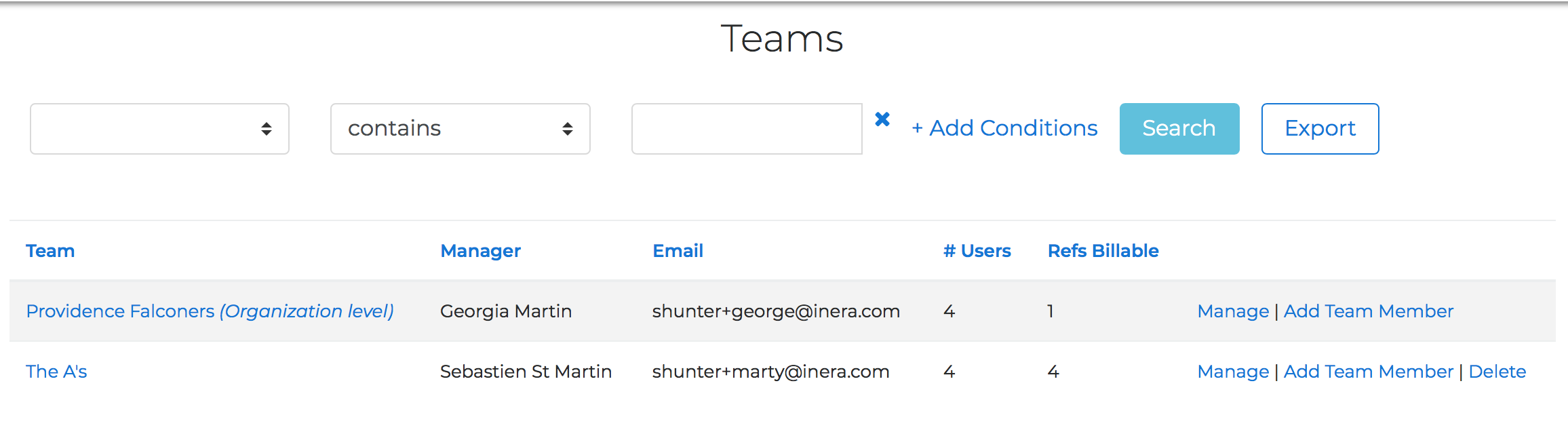
Note that if your Organization does not have multiple Teams, your Teams list will contain only one item, as in this example:
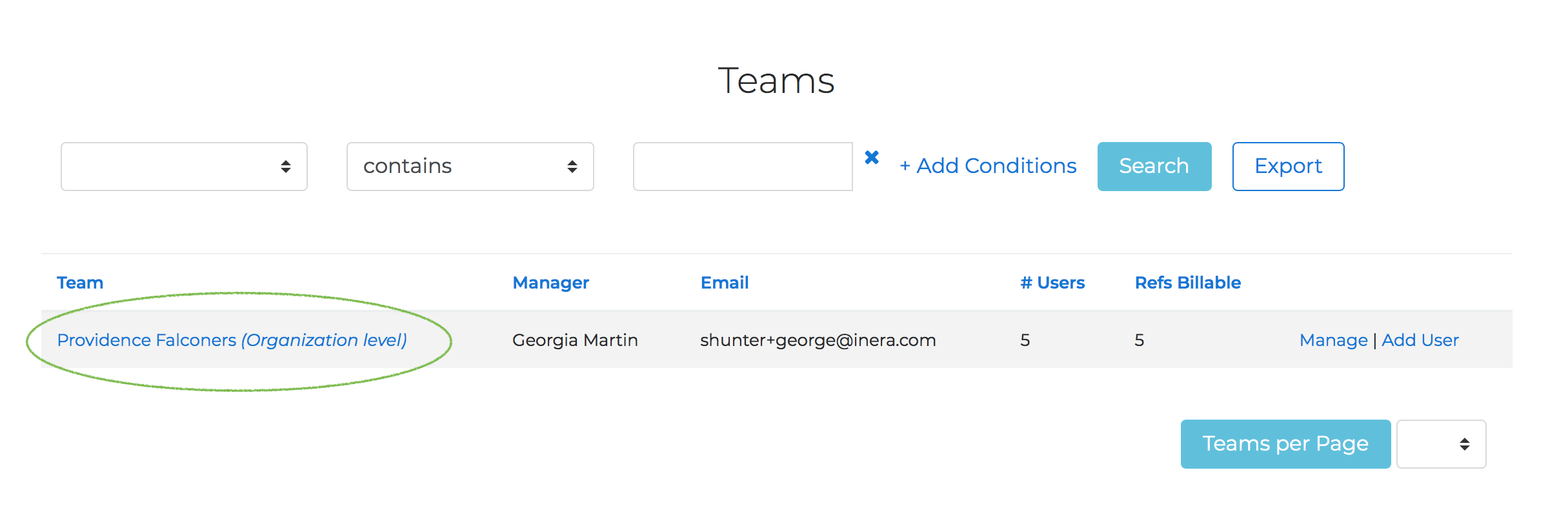
Next, click on the name of the Team whose jobs you'd like to review. In addition to the list of Team Members, the Team Overview page will show you the most recent jobs processed by your Team Members.
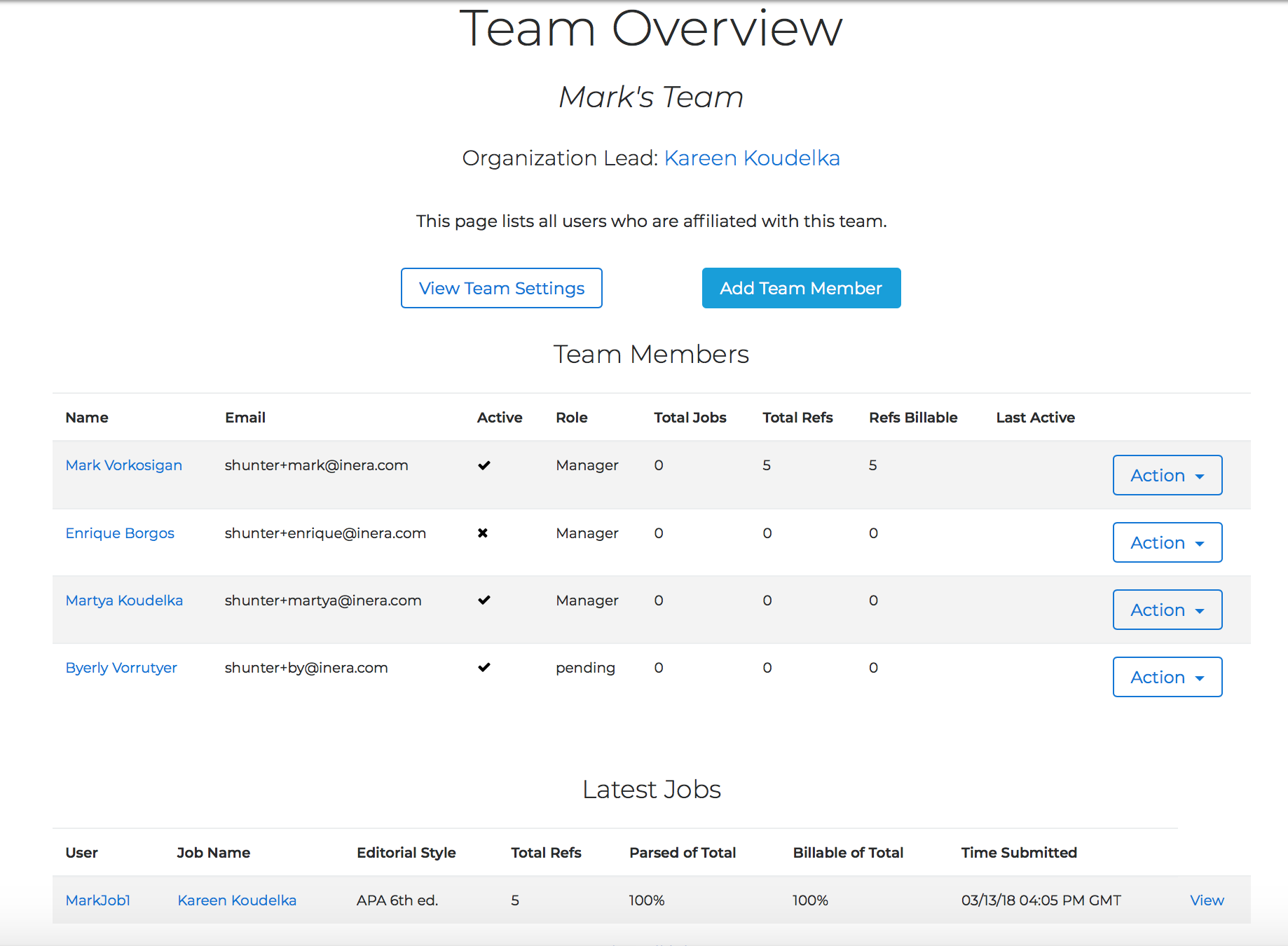
To see all jobs, click View All Jobs.
To see any job, click on the job name in the far left-hand column.