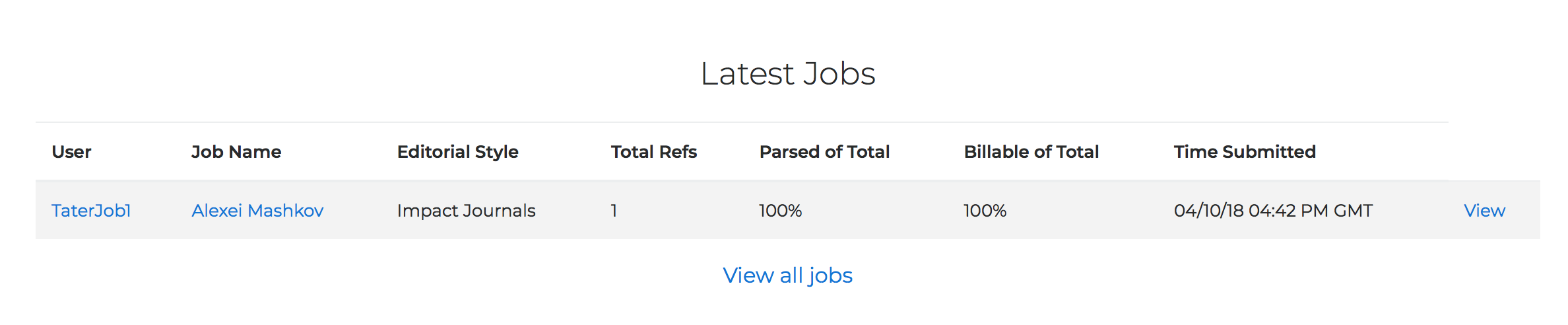
How do I see what's going on with my Edifix Organization?
As Organization Lead, you have access to a wide variety of data on Edifix!
Your go-to source is the My Organization page, which is accessed via Account > My Organization:
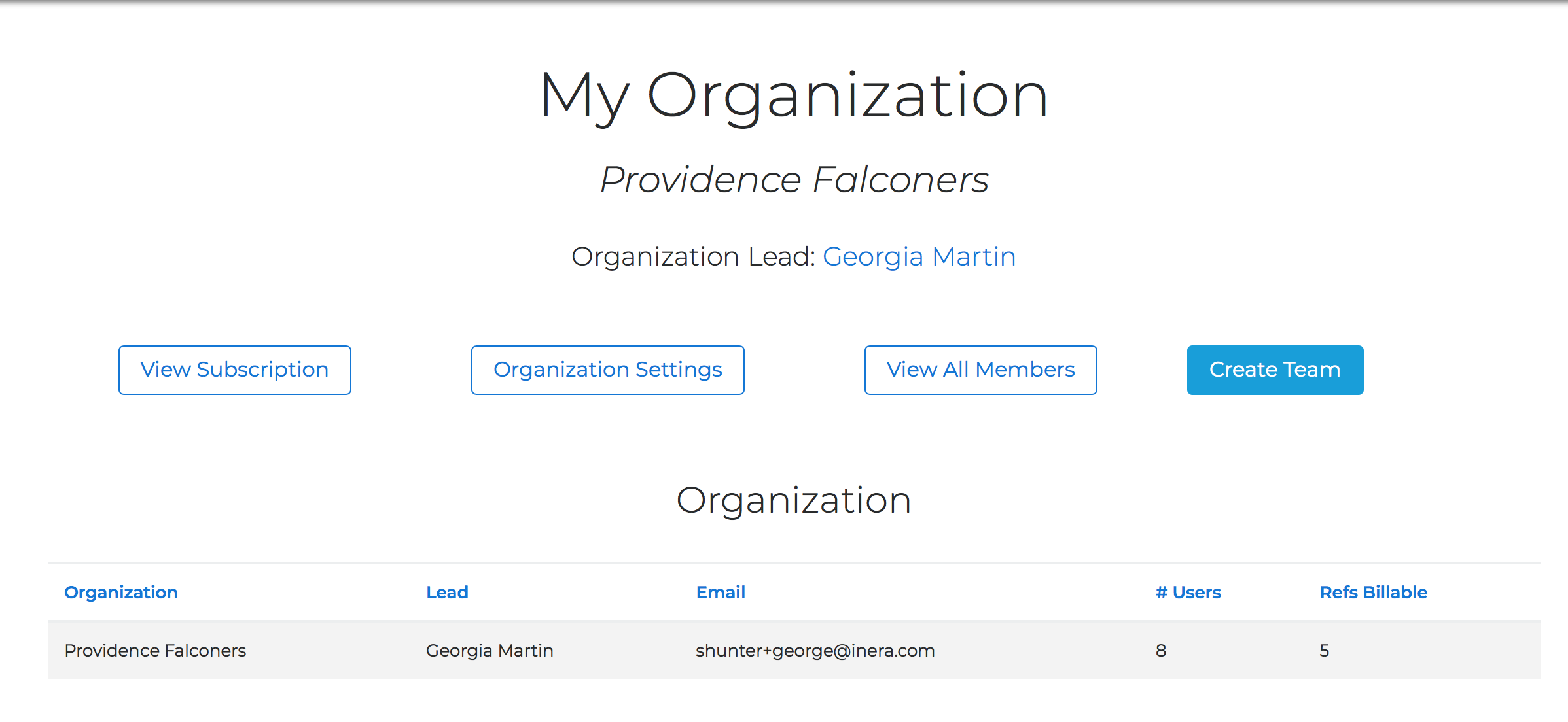
From here, you can
- access information about your subscription via the View Subscription button
→ for more details about viewing or managing your organization's Edifix subscription, see the articles here
- view or update your organization's default editorial style and advanced settings via the Organization Settings button
- see a list of all your Edifix Team Members via the View All Members button
- create a new Team via the Create Team button
- add a Team Member to your Organization or, if you have multiple Teams, to a specific Team
- view and manage specific Teams
- search for teams within your Organization
The Organization Overview page lists all Team Members who are not part of a specific Team within your Organization. (If your Organization does not have multiple Teams, you will see all Team Members listed here.) To access this page, click on the name of your organization in the Teams section on the My Organization page:

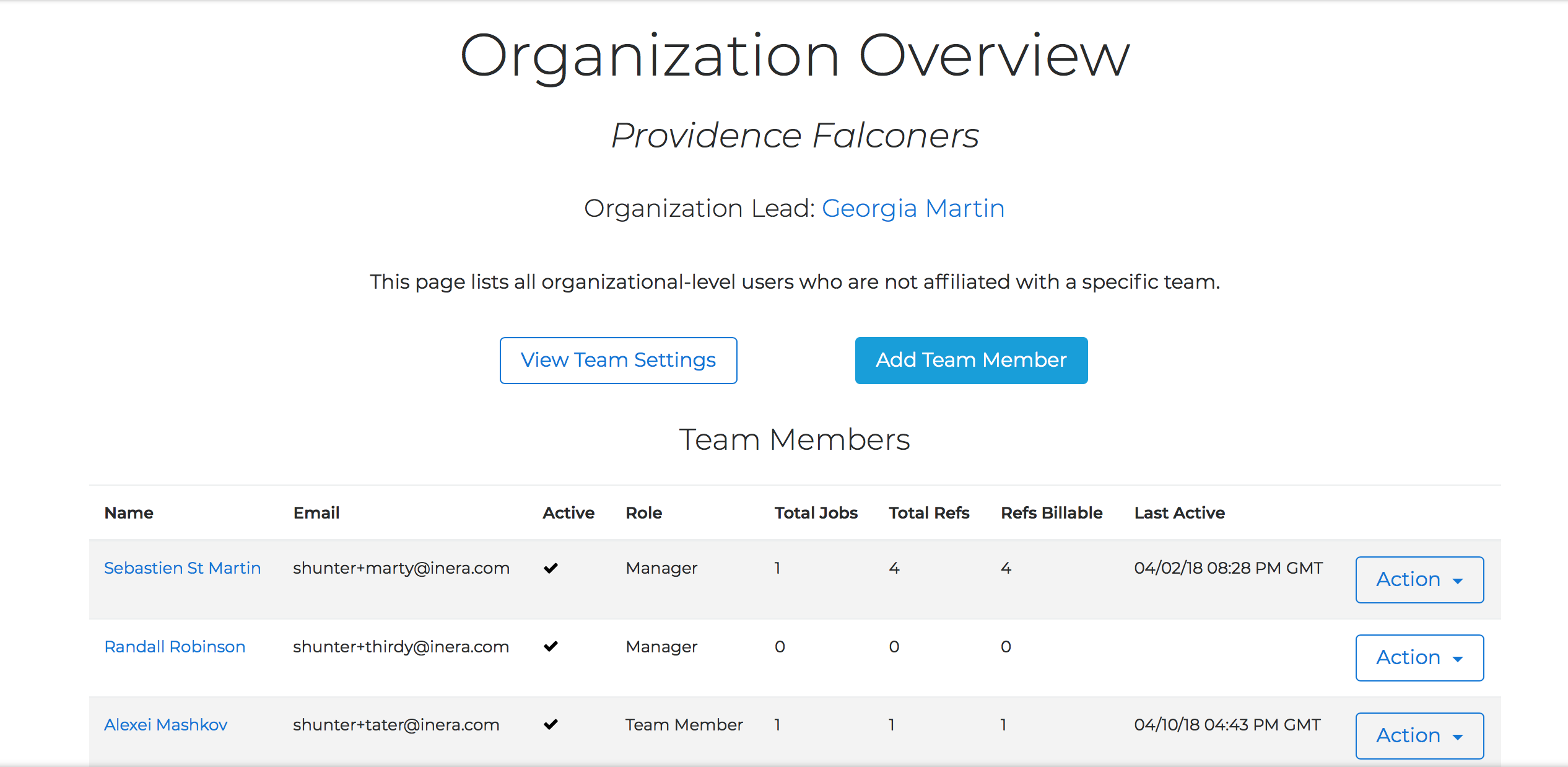
In addition to the list of Team Members, the Organization Overview page will show you the most recent jobs processed by your Team Members. To see all jobs, click View All Jobs.