How do I add Team Members to a Team?
Note
If your Organization does not have individual Teams, see here.
To add new Team Members, go to Account>My Organization, and scroll down to see a list of your existing Teams:

Find the team you want to add Team Members to, and in the far right-hand column, click Add Team Member.
Note
If you have a large number of Teams, you can use the Search tools to find the one you need!
You should now see the New Team Member page, where you can fill in an email address and first and last names:
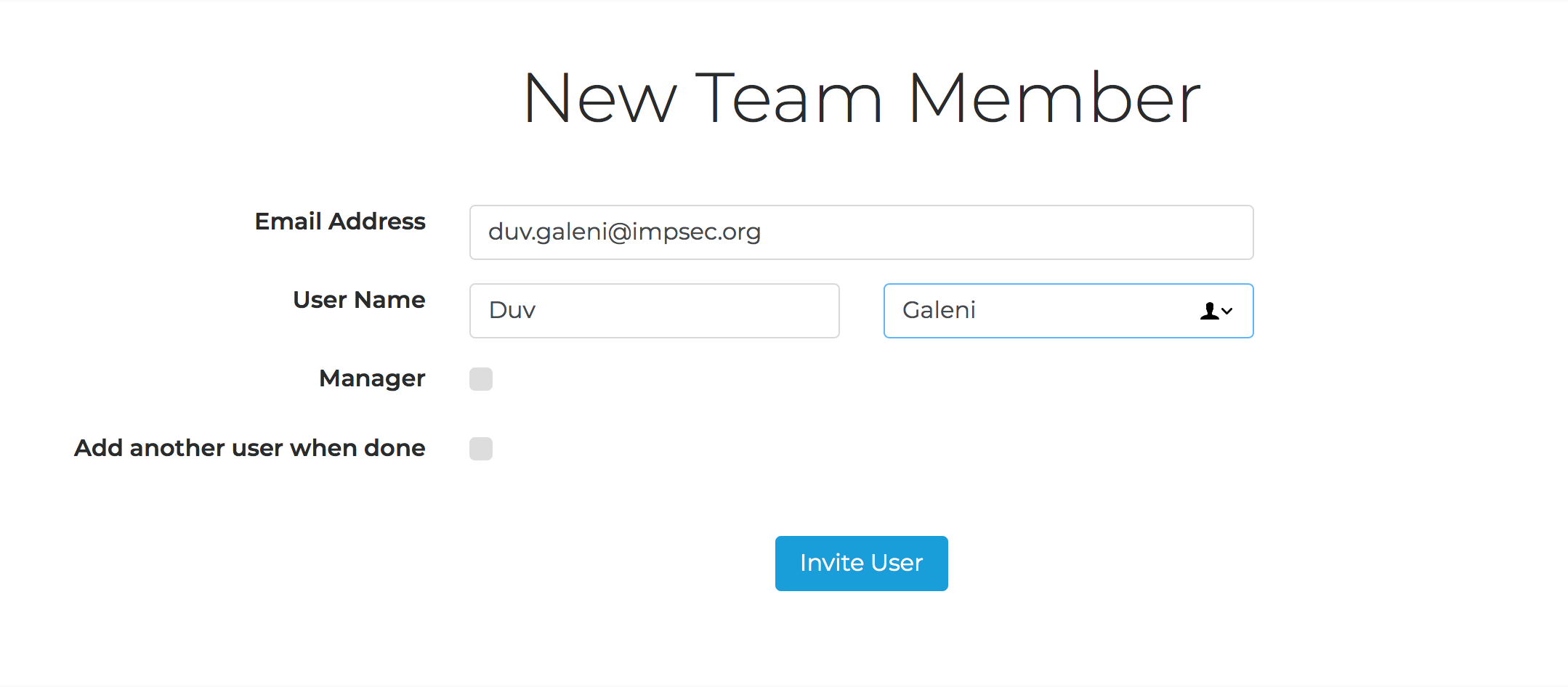
If the new Team Member will be a Manager of this Team, check the Manager box.
Need to keep adding new Team Members? Check Add another user when done.
Click Invite User. The person will receive an email invitation to create their Edifix account as a member of your Organization!