How do I create a new Edifix Team?
From any page, go to Account>My Organization.
Click the Create Team button.
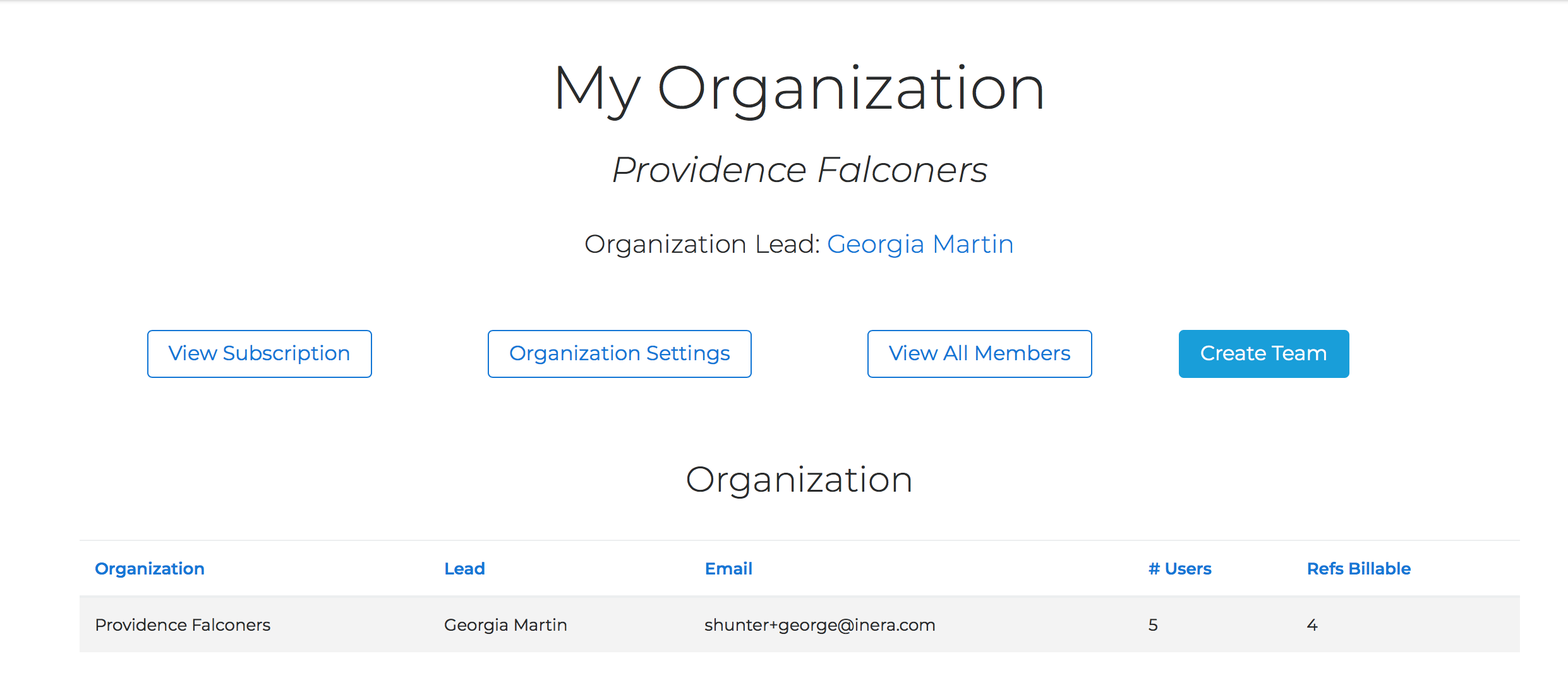
This will take you to the Create New Team page, where you can
- Give your new Team a name (required)
- Set a default Editorial Style for the Team (optional)
- Choose whether or not PubMed and Crossref Linking and Correction run by default
- Choose whether or not book references are processed by default
- Choose whether or not incorrect line breaks are removed by default
Note
Organization default settings can be overridden by Team defaults, which can be set by the Organization Lead or by the team's Manager; any Team Member can override Team defaults for an individual job.
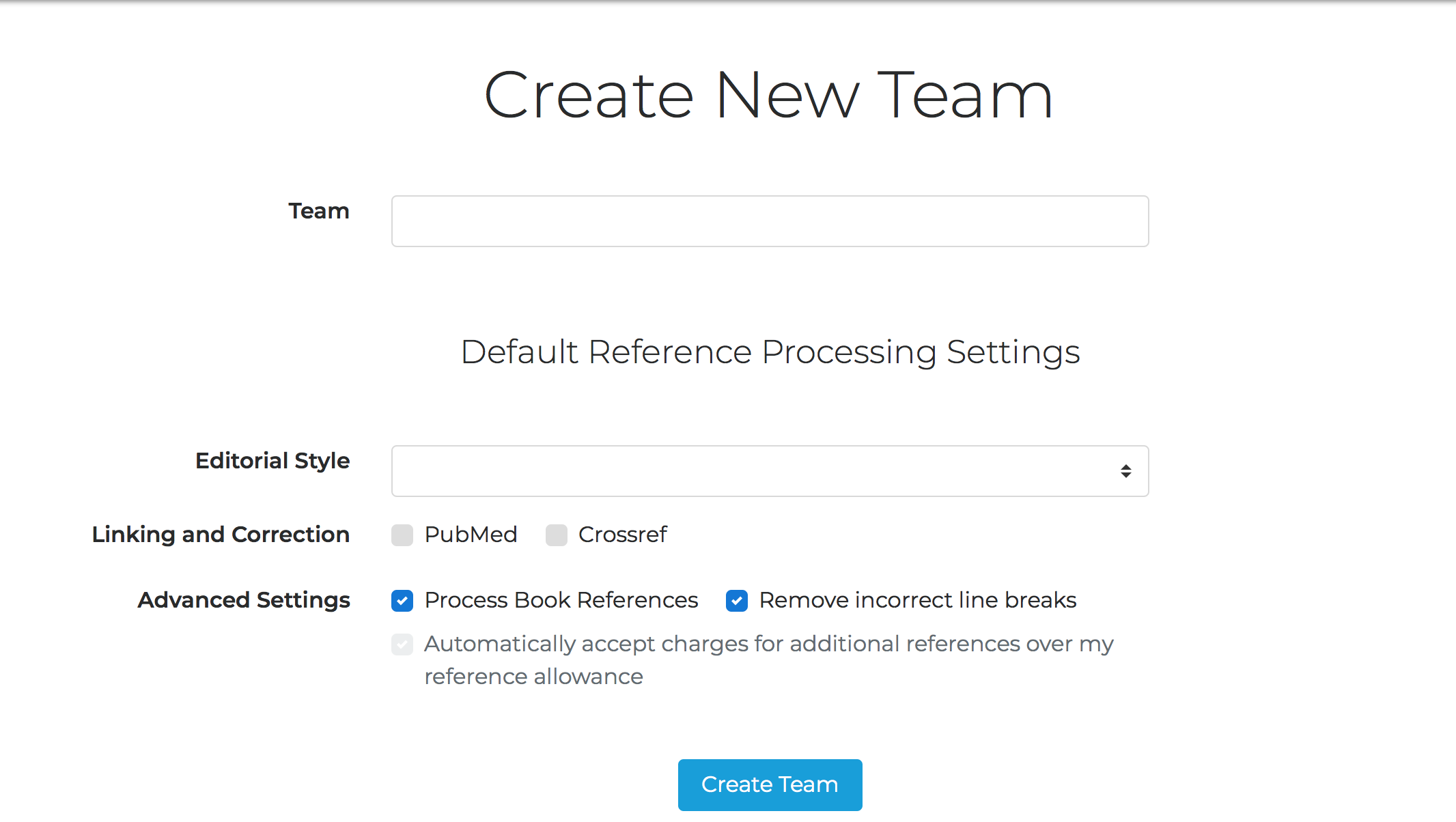
Once you have set up your Team name and defaults, click Create Team.
To add Team Members and/or designate one or more Managers, see here.
Last updated: 3 May 2026, 02:47:41
Loading navigation...