How do I delete a Team Member from my Organization?
Note
Before deleting a Team Member, ask yourself whether deactivating the user's Edifix access would solve your problem equally well. If so, see here for instructions. If not, read on!
1. Go to Account > My Organization to go to your Organization page.
2. Click the View All Members button. This displays a list of all your Edifix Team Members, showing each one's name, email address, team, and role:
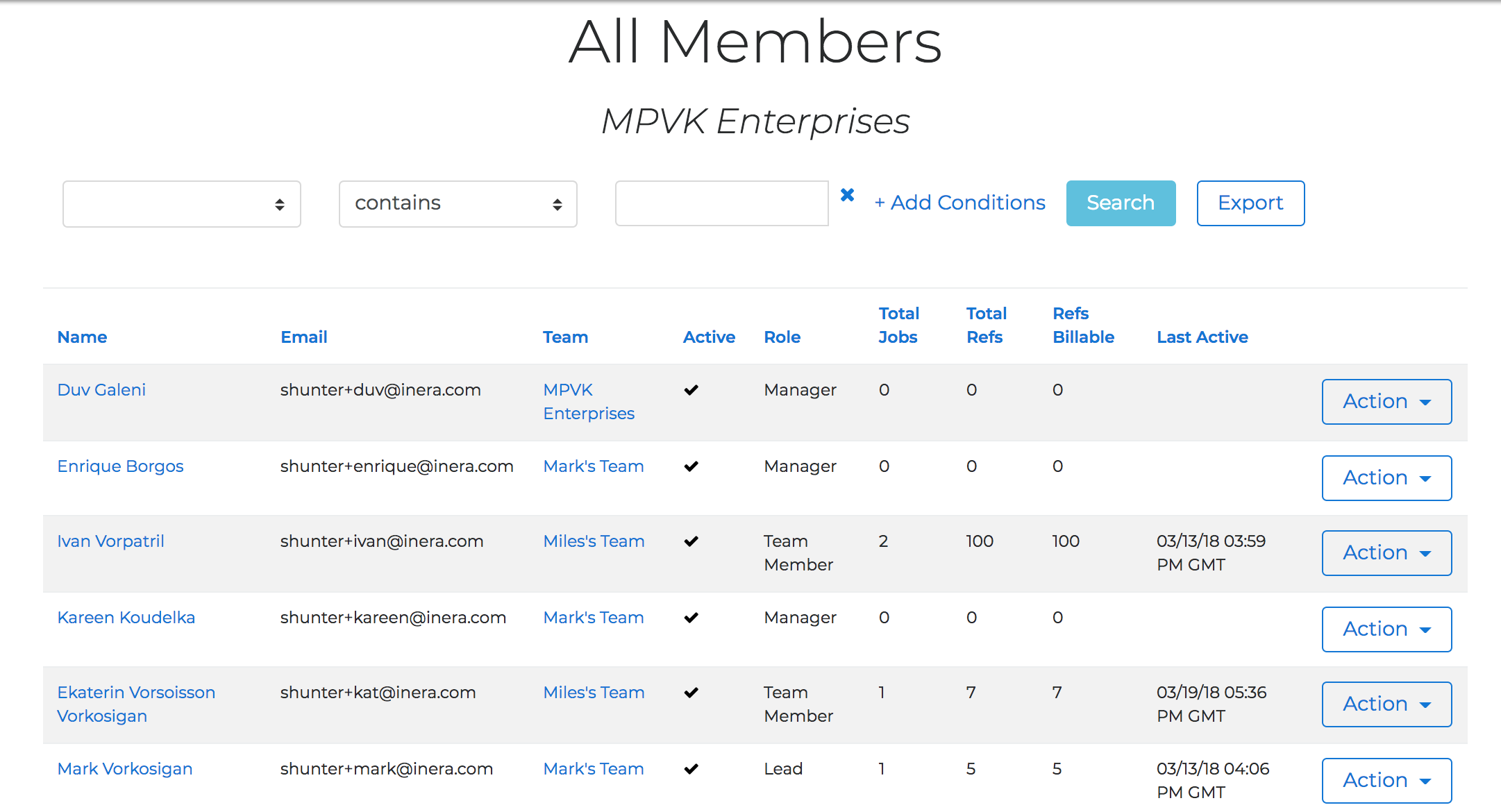
3. Find the Team Member you need to move, and choose Delete from the Action drop-down in the far right-hand column.
4. In the dialog box, click the Delete button.
TIP
Has a member of your Organization been deleted by mistake? Use the instructions here to re-invite them!
Last updated: 3 May 2026, 02:47:41
Loading navigation...