How can I deactivate access to Edifix for a member of my Team?
1. Go to Accounts > My Team to bring up a list of your Team Members:
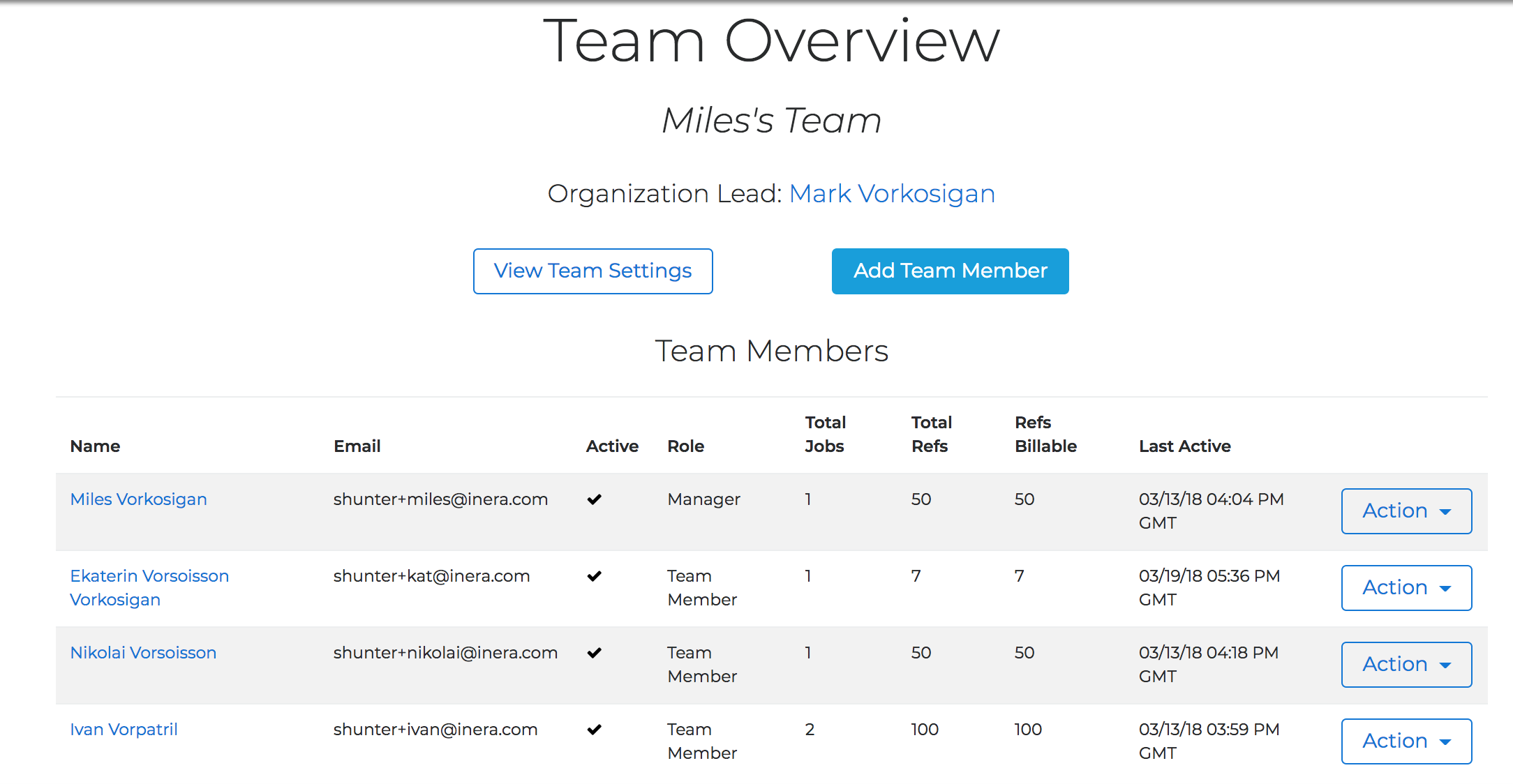
2. Find the Team Member whose Edifix access you need to deactivate.
3. Choose Disable from the Action drop-down list in the far right-hand column.
TIP
To restore the Team Member's Edifix access at a later date, follow the steps above and choose Enable.
Last updated: 28 Apr 2026, 18:12:46
Loading navigation...