How do I set or change the default editorial style for my Team?
Choose Account > My Team to go to your Team Overview page.
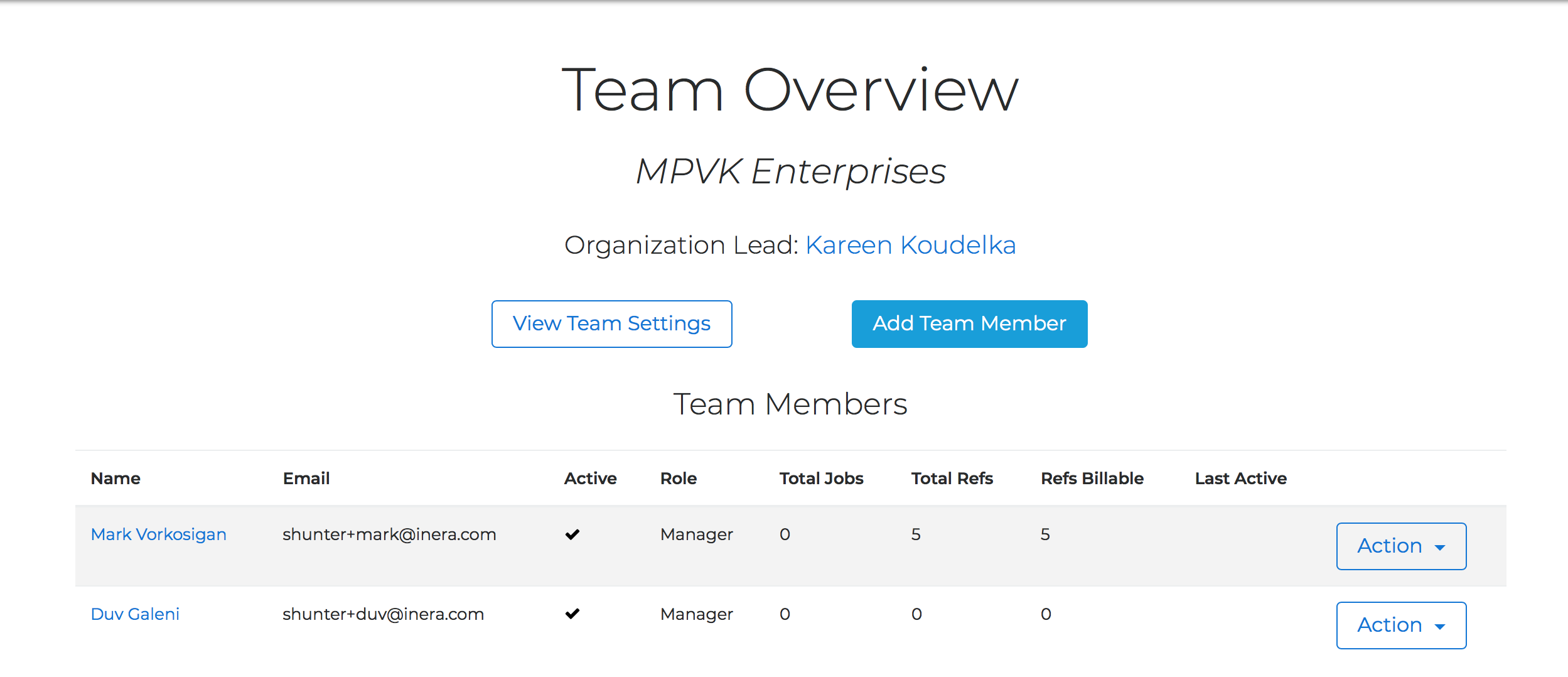
Click the View Team Settings button. This will bring up your Team Settings page:
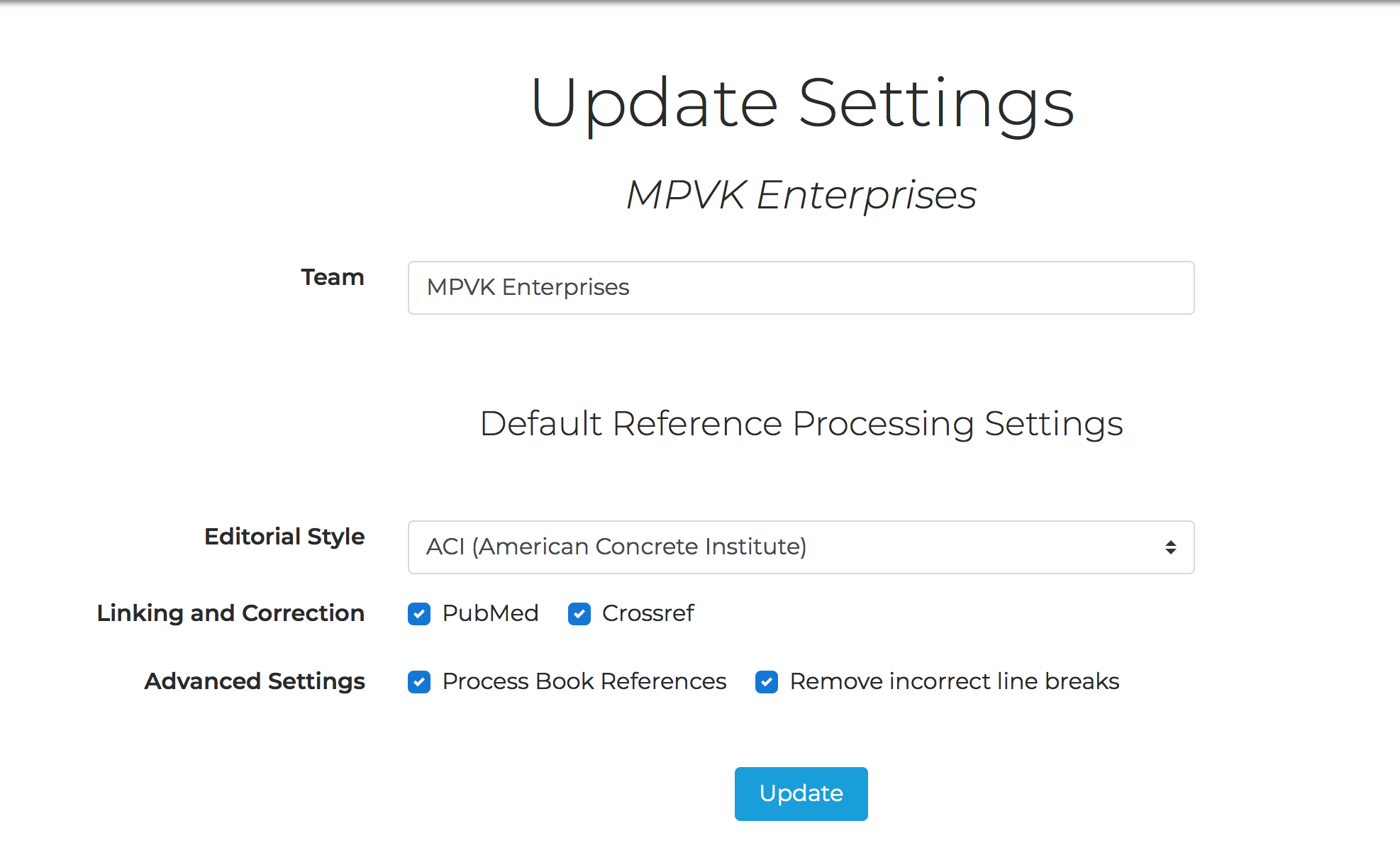
Here you can make any necessary changes to your Team's default settings.
Don't forget to click the Update button when you're done!
TIP
Team settings override Organization settings; any Team Member within your Organization can override both Organization and Team defaults for a particular job when appropriate.
Last updated: 28 Apr 2026, 18:12:46
Loading navigation...