Where can I see my Organization's subscription information?
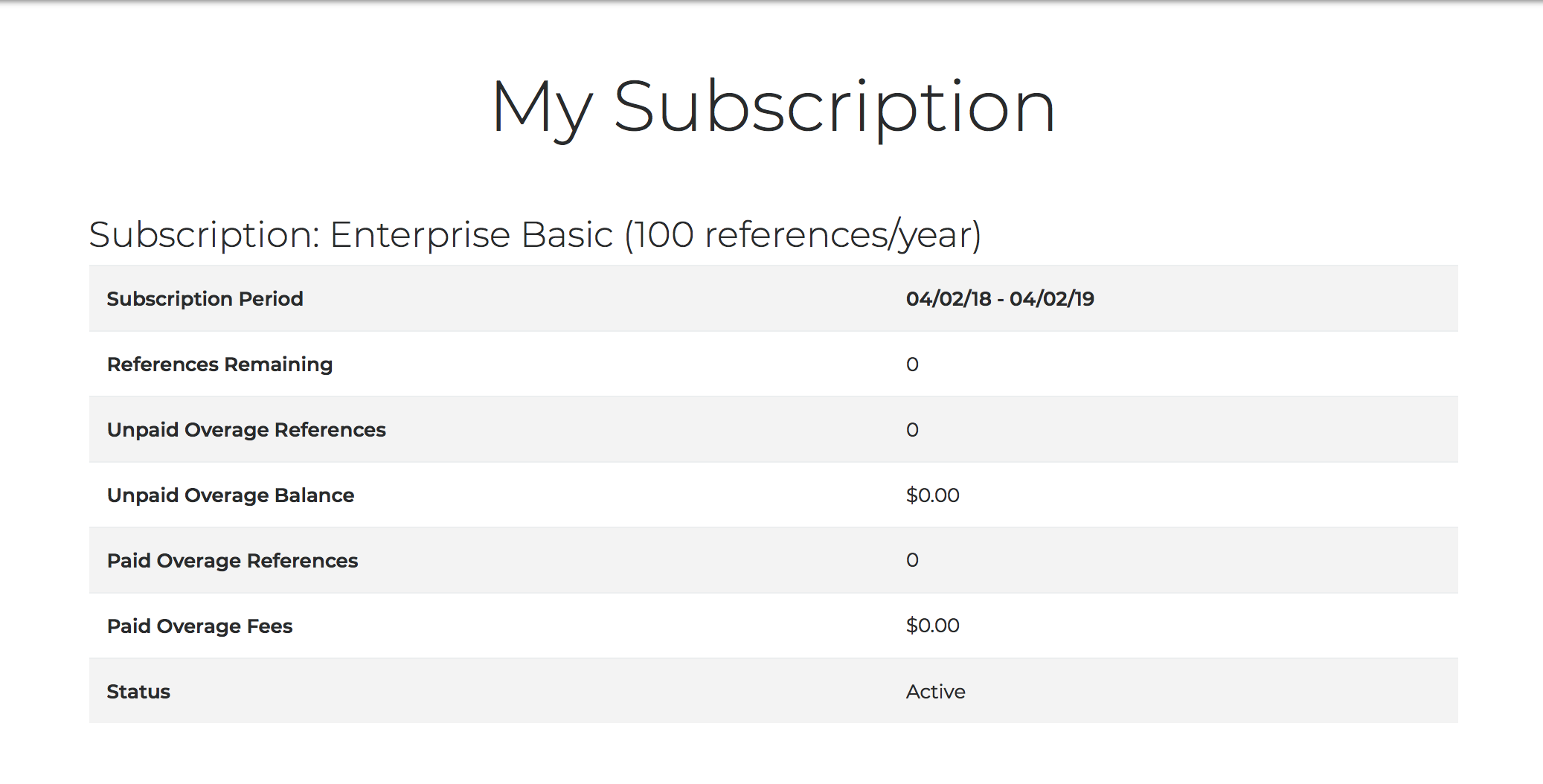
To see information relating to your Edifix for Teams subscription, go to Accounts > My Organization and click the View Subscription button. The My Subscription page displays details including your renewal period, reference allowance, references remaining, and subscription type:
To review your payment history, click the Payment History button at the bottom of the My Subscription page.
Last updated: 28 Apr 2026, 18:12:46
Loading navigation...