Why does Edifix create extra files when I export my results as a .DOC file?
When you've finished reviewing your Edifixed references and export them as a Word .DOC file, you may notice something unexpected happening: opening, editing, and saving this Word document will create an additional folder within the folder where the Word file lives, titled with the document name:
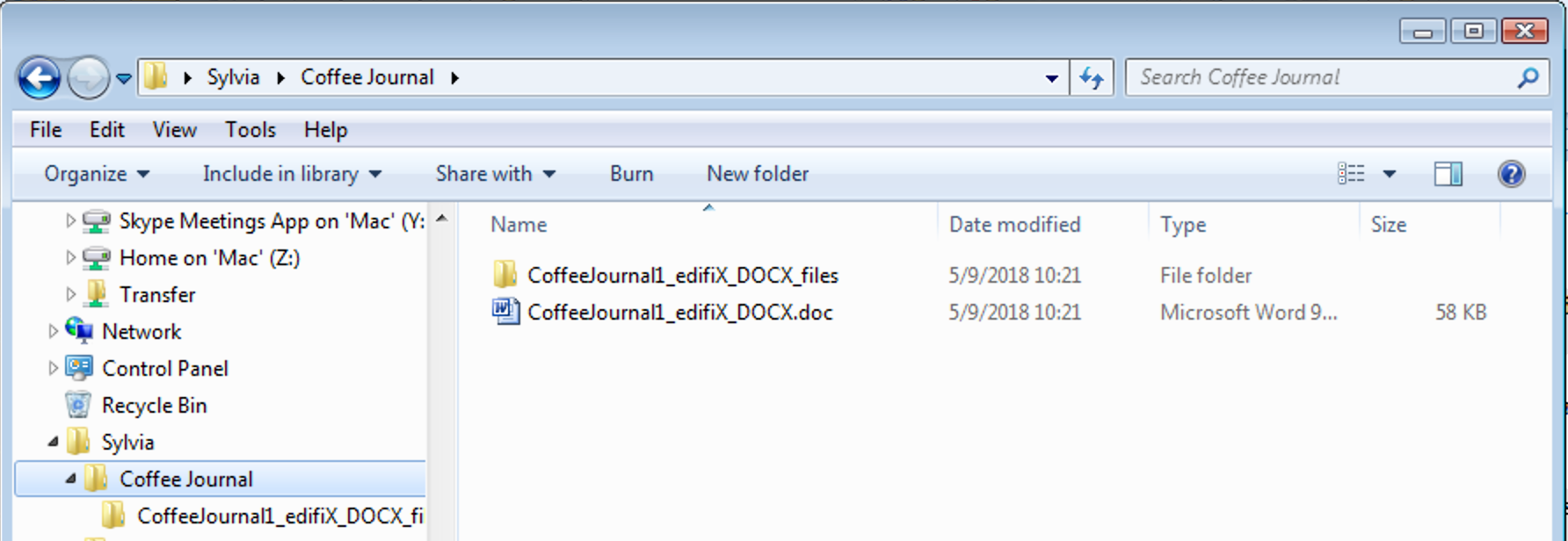
You can delete this folder, but if you edit the Word document again and save it, the folder will be re-created.
Fortunately, this is easy to fix!
Go to File > Save As in Word, and use the drop-down list to save the file as *.docx or *.doc.
Last updated: 28 Apr 2026, 18:12:46
Loading navigation...