Document Metadata
Document Metadata saves and maintains your document's metadata, ensuring your document-specific information is preserved during editing and conversion.
Customised metadata dialog
The Document Metadata dialog dynamically updates its fields and input options based on preferences configured in Orion Compass. This means that the dialog defaults that you see are unique to your organisation's workflow.
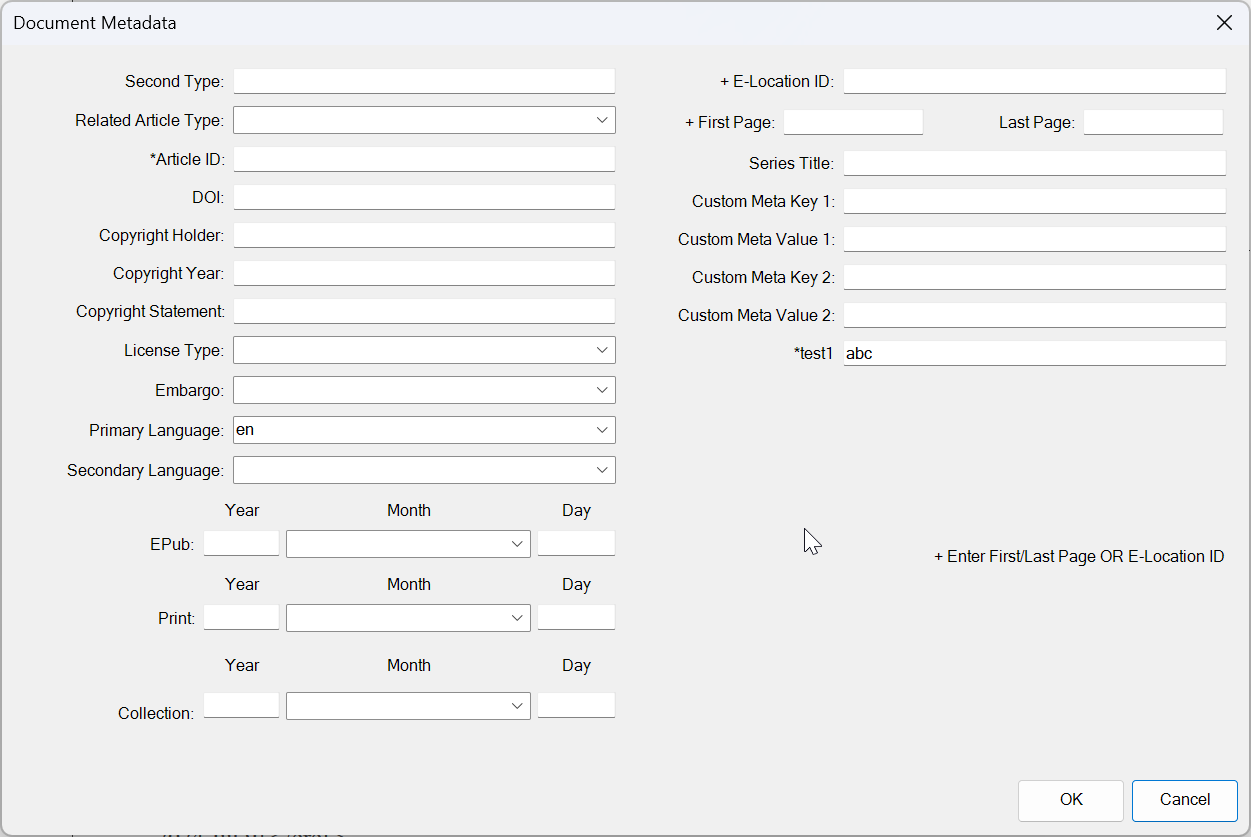
Manually update the Document Metadata fields
While your organisation's default metadata fields appear in the Document Metadata dialog, you may manually fill out or update document-specific metadata. To save your changes, click OK to save the current values in the Word document. The next time you open the document or click the Metadata button, the dialog will display the values you last saved, not the default ones.
Add additional metadata fields
Your organisation's default metadata settings are managed in Orion Compass. If you need to update your default settings, reach out; we're happy to help!